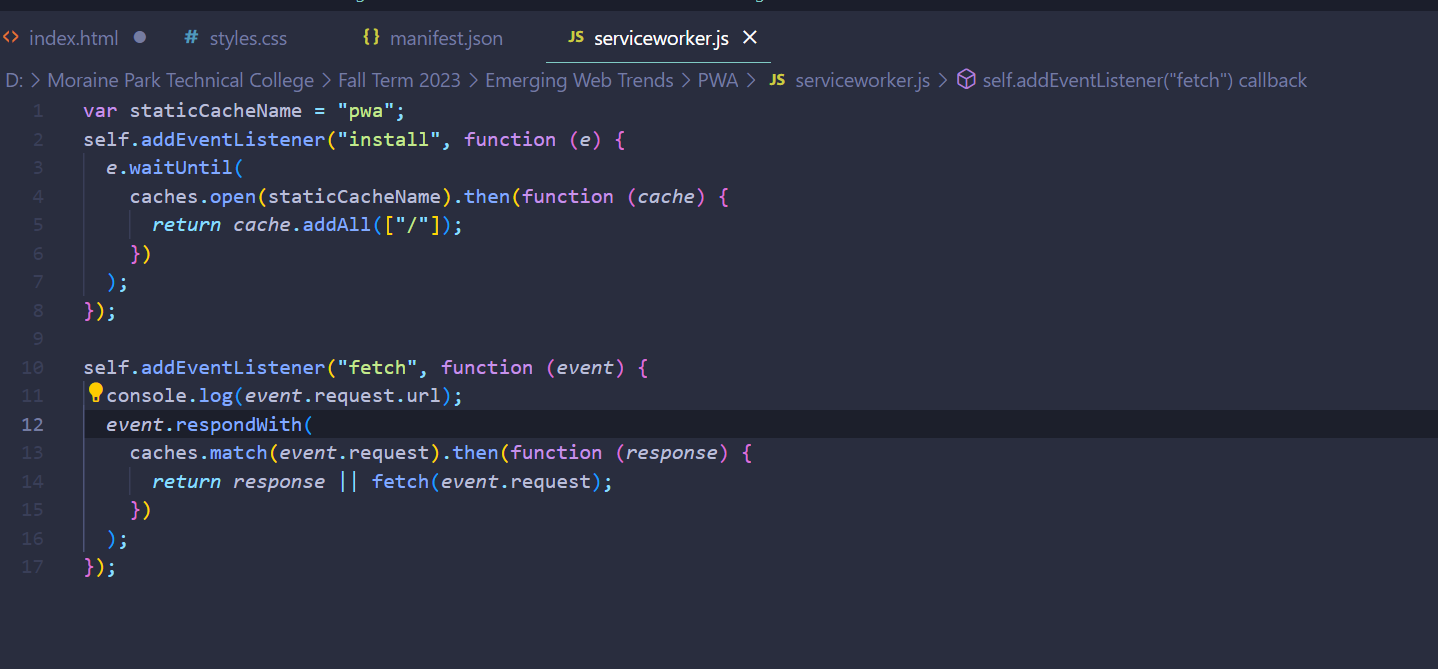
So in my exploration of this topic, I used a service worker to employ my manifest file to create the application. For some reason, it doesn't work even though I followed the tutorial - so I'll just be demonstrating my code (more explained down below). My service worker was named "serviceworker.js" and is featured below.
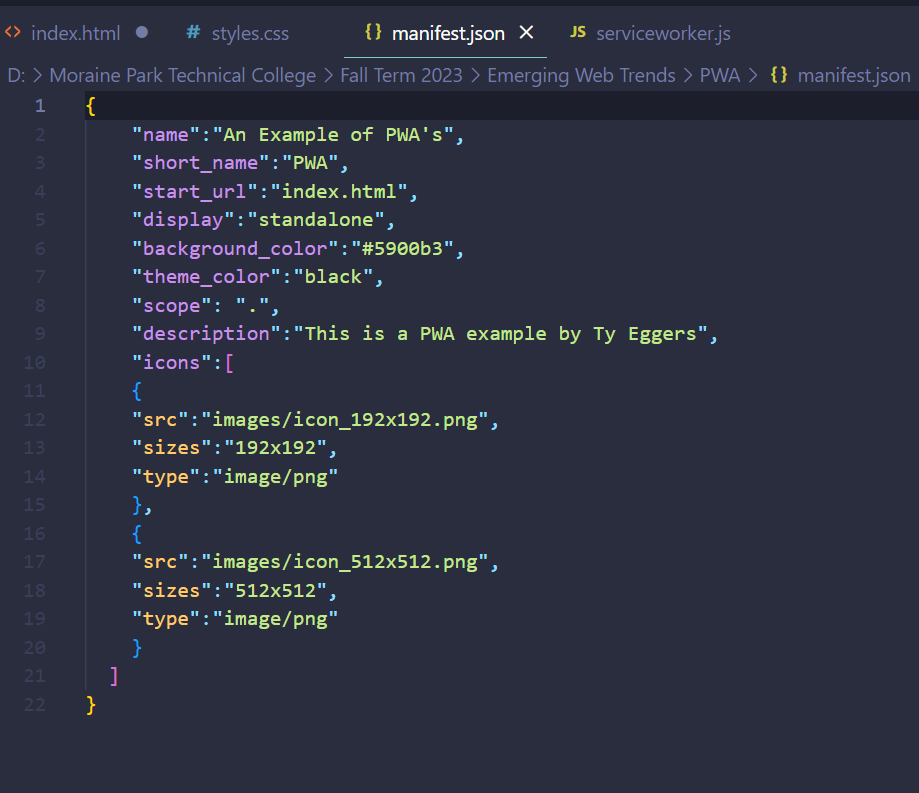
I also included a web manifest which could be used to display the website in an application format. This format can be used to view the website as an "app" and save it as such on your desktop of iphone homepage. Below is a screenshot of some of the manifest.json code.
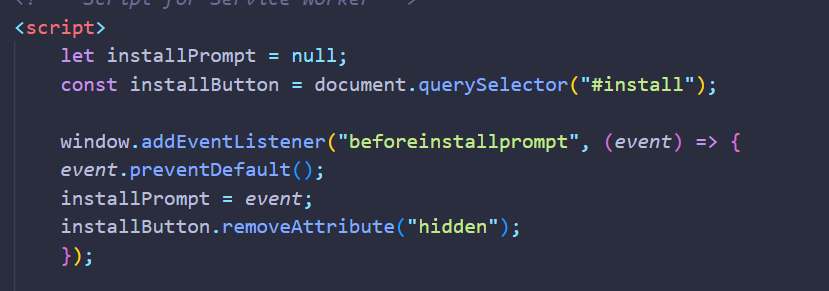
So because of certain issues that I found after troubleshooting, I wasn't able to actually 'employ' my web manifest. However in my manifest.json document I do have listed the "beforeinstallprompt" method shown below.
I tried my app on my phone and computer. Both worked well!
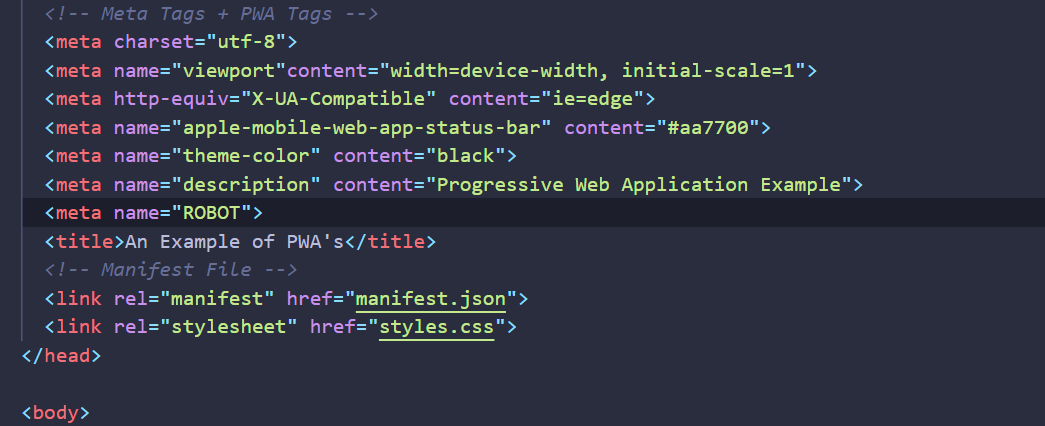
There are meta tags, titles, semantics, abd image alt elements that are used for increase website SEO.
Troubleshooting and Resource
I had went over the resource used for this project (GeeksForGeeks) and I had gotten the error shown below when I went into my Chrome inspector. I have no idea how to fix or address this so the project is as is because of that.

Reflection:
Overall I found this midly enjoyable. I was very bummed that my PWA didn't actually work due to Chrome's error. I do like the idea of PWA's and will work to implement that into every website I make. Also the resource I used for this project, as mentioend in the Troubleshooting section, was provided in the corresponding discussion for this project.